
ShaveSplash presents
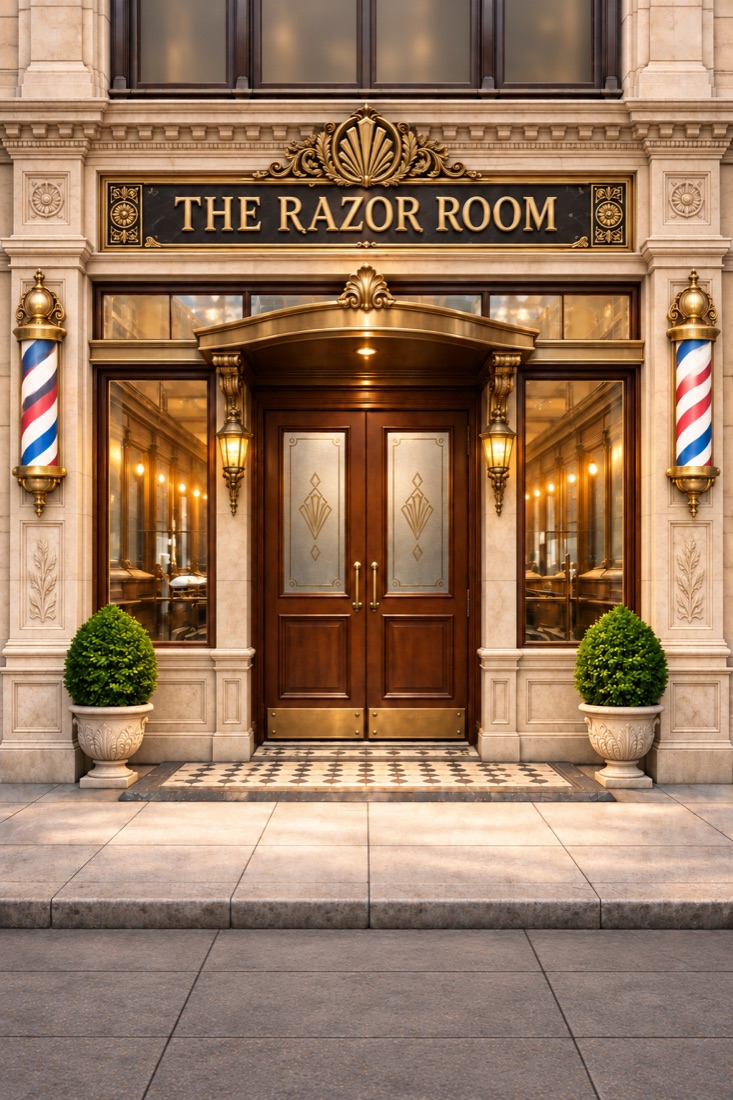
The Razor Room
A 1920s barbershop shaving game
Step behind the chair of a 1920s gentlemen's barbershop and master the old art of the wet shave. Whip up rich lather, give the perfect safety-razor shave, and build your shop from Apprentice to Legend.
The trailer
Inside the shop
Get the game
Android beta
- 1Join the Razor Room Testers group: choose the Google account you use on your phone, then tap Join group.
- 2Open the tester opt-in page, choose the same account, and tap Become a tester.
- 3Get it on Google PlayIt won't show up in a Play Store search, so use this button. If it says it's unavailable, wait a few minutes after opting in and try again.
iPhone
The Razor Room is now live on the App Store. Free to download, for iPhone with iOS 14 or later.
Download on the App StoreThe perfect shave
Load your brush, build a rich lather in the bowl, and shave with a steady hand. Work with the grain, avoid nicks and weepers, and finish with the right aftershave and balm.
Every gentleman is different
Fishermen and schoolteachers, bankers and aviators, film stars and generals. Listen to what each customer says and choose the scent that suits him.
From Apprentice to Legend
Every rank brings finer razors, blades, brushes, soaps and aftershaves, and wealthier clientele who expect more and pay better.
Grow your shop
Leather armchairs, a coffee bar, a shoe shine, a phonograph with records, a shop cat, more barbers, and a private office full of keepsakes.
Calm and unhurried
No ads and no one rushing you. Just a warm shop, the sound of the razor, and a growing name in town.
Support
Questions, problems or ideas? Email teutonblade@shavesplash.comand we'll get back to you.
Is the game free?+
Yes. The Razor Room is free to play. Golden Carrots, the premium currency, are earned through milestones as you play and can also be bought as optional in-app purchases, along with the Barber's Starter Kit.
How do I restore my purchases on a new phone?+
Open the Golden Carrots page in the game and tap Restore Purchases. Purchases are tied to your Apple ID on iPhone, or your Google account on Android.
Where is my progress saved?+
On your phone. It is included in your device backups (iCloud on iPhone, Google backup on Android), so restoring a backup brings your shop back. Deleting the app without a backup deletes your career.
How do I turn off the anonymous play statistics?+
Go to Settings in the game and switch "Share anonymous play stats" off. Nothing personal is ever sent; see the privacy policy for details.
How do I join the Android beta?+
Follow the three steps under "Android beta" above: open the Razor Room Testers group, choose the Google account you use on your phone and tap Join group, open the opt-in page with the same account and tap Become a tester, then tap Get it on Google Play. The beta can't be found by searching the Play Store, and it can take a few minutes after joining before it appears.
Where do I get it on iPhone?+
It's on the App Store: search for The Razor Room or use the Download on the App Store button above.
What's different about the Android beta?+
Golden Carrot packs open at launch, so nothing is for sale during the beta. Testers can claim the Barber's Starter Kit free, once, from the Golden Carrots page after their first shave, and keep it after launch.
I'm a tester. How do I send feedback?+
Email us, with a screenshot if you can.
Which devices does it run on?+
iPhone with iOS 14 or later, and Android phones with Android 7.0 or later.
Privacy policy · © 2026 ShaveSplash